


Catalog 22
Guide Specifications & Engineering Data
Connectorail® (PDF)
Connectorail® (Word.doc)
Carlstadt® / JB® Glass / Acrylic/Wood (PDF)
Carlstadt® / JB® Glass / Acrylic/Wood (Word.doc)

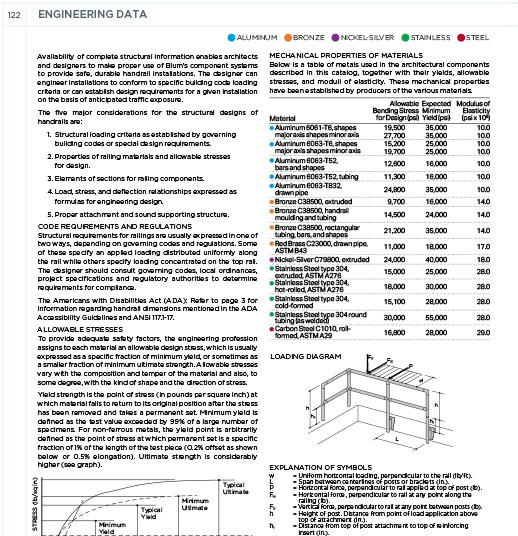
Engineering Data
Architectural CAD Drawings & Technical Design Files
Julius Blum & Co., Inc. provides a comprehensive library of CAD details and BIM resources to streamline the specification of our architectural metal systems. Our technical library includes AutoCAD (DWG and DXF) and searchable PDF formats for seamless design.
Simply use the dropdown menu below to select your preferred file type for our railing components, handrails, and structural glass shoe mouldings.
Our DWG files are optimized for AutoCAD 2020 and are backward compatible with older versions.
For technical assistance or specific file requests, please contact us at bluminfo@juliusblum.com.
CLICK ON A DRAWING FILE NUMBER TO SAVE THE FILE DIRECTLY TO YOUR HARD DRIVE:
Some browsers will open the files rather than saving them. Here are instructions on Mac and PC for saving files using browsers with this alternate behavior. MAC USERS: HOLD down CTRL while clicking on a link below, then select “Download Link To Disk” or “Save Link As…”, depending on your browser. PC USERS: Right Click on a link below, then select then select “Download Link To Disk” or “Save Link As…”, depending on your browser.